Solution · ERP & Operations Platforms
Run the business through
one connected operating system.
Bring inventory, purchasing, sales, finance, people and operational workflows together in a platform designed around how your organisation actually works.
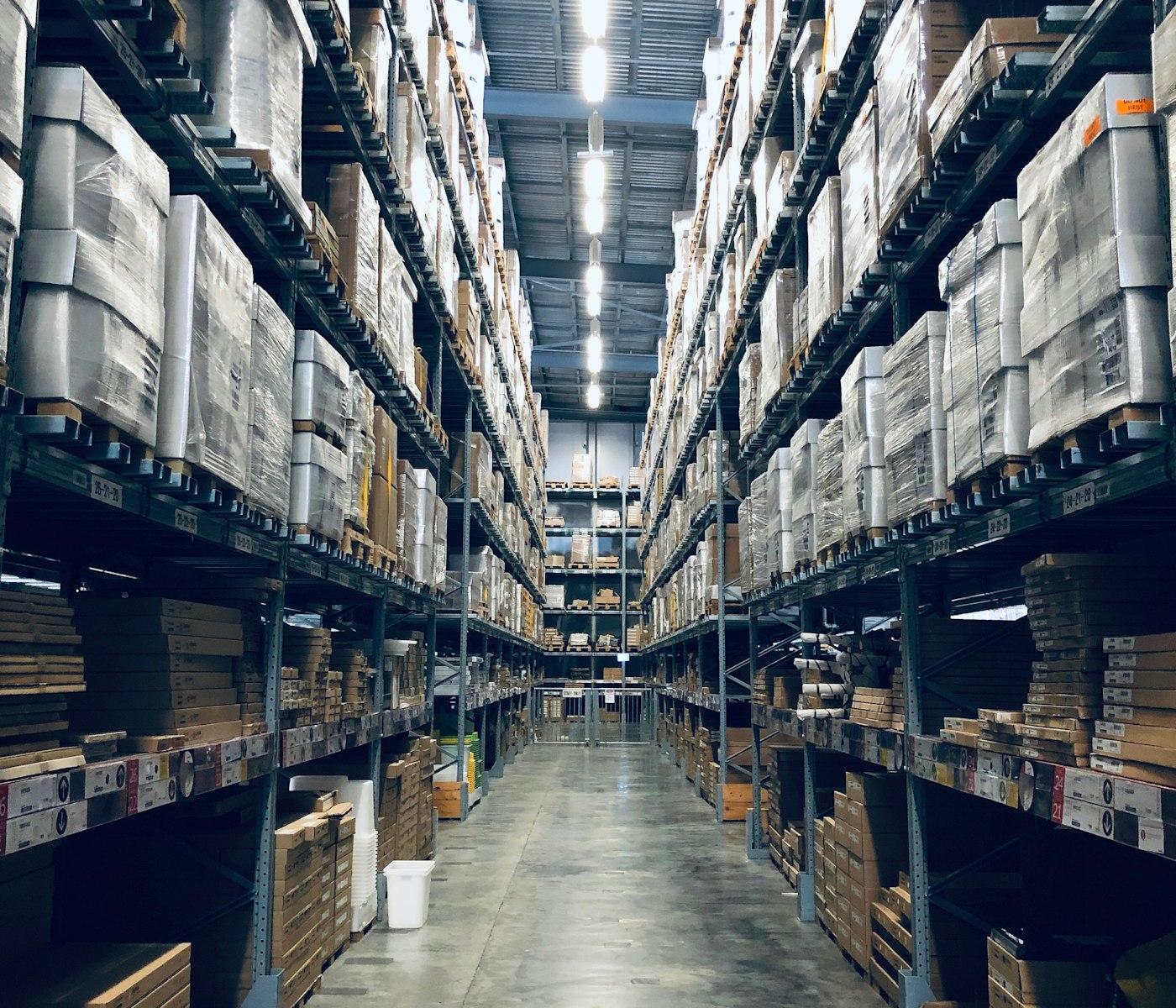
When the operation outgrows the tools
The symptoms usually appear before anyone calls it an ERP problem.
- 01Different versions of the truthInventory, purchasing, sales and finance work from separate spreadsheets, applications or records.
- 02Work happens outside the softwareApprovals, exceptions and follow-ups move through calls, email, messages or spreadsheets.
- 03Visibility arrives too lateManagement sees what happened after information has already been collected and reconciled manually.
- 04The software dictates the processTeams adapt their operation to fit system limitations rather than the other way around.
- 05Growth multiplies complexityMore locations, warehouses, teams, products and entities create more hand-offs and more room for error.
- 06The same data keeps moving by handInformation gets re-entered between systems, creating delay, duplication and mistakes.
The goal is not another system. It is a clearer operating model supported by the right technology.
The operating landscape
One platform can connect very different parts of the business.
An ERP does not have to start as a large, all-at-once implementation. It can begin with the workflows creating the most friction and expand from there.
These are common operating domains, not fixed modules. The platform can combine only what your business actually needs.
How it comes together
More than screens. A connected operating architecture.
The visible application is only one layer. Explore how experiences, workflows, operational data, connected systems and intelligence work together.
We design these layers together so the platform supports the complete operating flow rather than becoming another isolated application.
Custom by design
Your processes should define the platform.
Two businesses in the same industry can operate very differently. The system should reflect those differences where they matter.
Reporting, integrations, automation and intelligence are designed around these foundations rather than bolted on afterwards.
The right mix
Custom does not mean everything has to be custom.
The best ERP architecture may combine existing software, custom engineering and integrations around the parts of the operation that actually need to change.
The goal is not maximum custom development. It is the right system for the operation.
Connect what already exists
A new operational platform does not have to mean replacing everything.
Have another system in the stack? Where a viable integration path exists, we can usually work with it.
Explore System IntegrationBuilt beyond launch
Operational systems have to remain dependable as the business grows.
- AccessRoles, permissions and separation of responsibilities.
- AuditVisibility into important actions and operational changes.
- ReliabilityMonitoring, recoverability and ongoing operational support.
- ScaleGrowth in users, transactions, locations and data.
- GovernanceControlled configuration, ownership and change.
How we can engage
You do not have to transform everything at once.
- BuildCreate a new operational platform around a specific process or wider business model.Best whenManual workflows, spreadsheets or unsuitable software have become the constraint.
- ModerniseProgressively re-engineer an ageing ERP or internal application.Best whenValuable business logic exists but the architecture, experience or maintainability needs to change.
- ConnectBring systems that already work into one coherent operating flow.Best whenDuplicate entry, manual hand-offs and fragmented reporting are the problem.
- ExtendAdd modules, mobile experiences, analytics, automation or AI.Best whenThe operational core works but the business needs it to do more.
These are entry points, not a sequence. Most engagements start with one and grow into others.
Go further
Extend the operational core.
Related services
The specialist services most often involved in designing, building, connecting and operating an ERP and operations platform.
FAQ
Common questions about ERP & Operations Platforms.
Not necessarily. If parts of the current environment work well, they can remain in place and become part of the wider architecture.
Yes. A platform can begin with inventory, purchasing, workforce, order management or another high-value workflow and expand over time.
Yes. The architecture can support different locations, warehouses, companies, departments, roles and operating units where required.
Yes. Stages, permissions, approvals and operating rules can vary by team, location or business unit.
Yes, subject to the structure, quality and accessibility of the source data.
Yes. Existing business systems can remain part of the architecture where suitable APIs or other integration mechanisms are available.
Potentially, yes. If Tally already serves the finance function effectively, connecting it to the wider operational system may make more sense than replacing it.
Yes. Depending on the use case, this may be a responsive application, dedicated mobile app or role-specific field experience.
Yes. AI can be introduced progressively as appropriate use cases, data and controls become clear.
Ownership, licensing, hosting and data responsibilities are agreed clearly as part of the engagement.